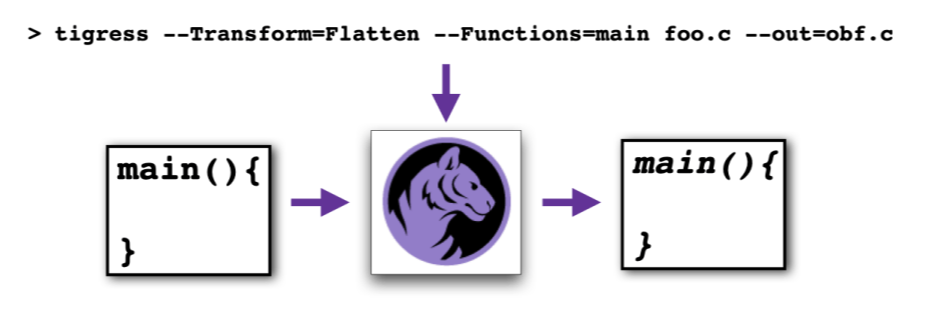
By default, Tigress will generate code for the machine you're currently on, using a compiler that makes sense for your target. I.e., if you're on MacOS, Tigress will use Clang, if you're on Linux, Gcc, on Windows, cl:
However, it is common to use Tigress in a cross-compilation scenario. For example, your development machine
might run Linux/X86_64, but your target machine could be Android/Arm. Tigress is, in fact, designed for this
scenario. You can set the target using the --Compiler and --Environment options:
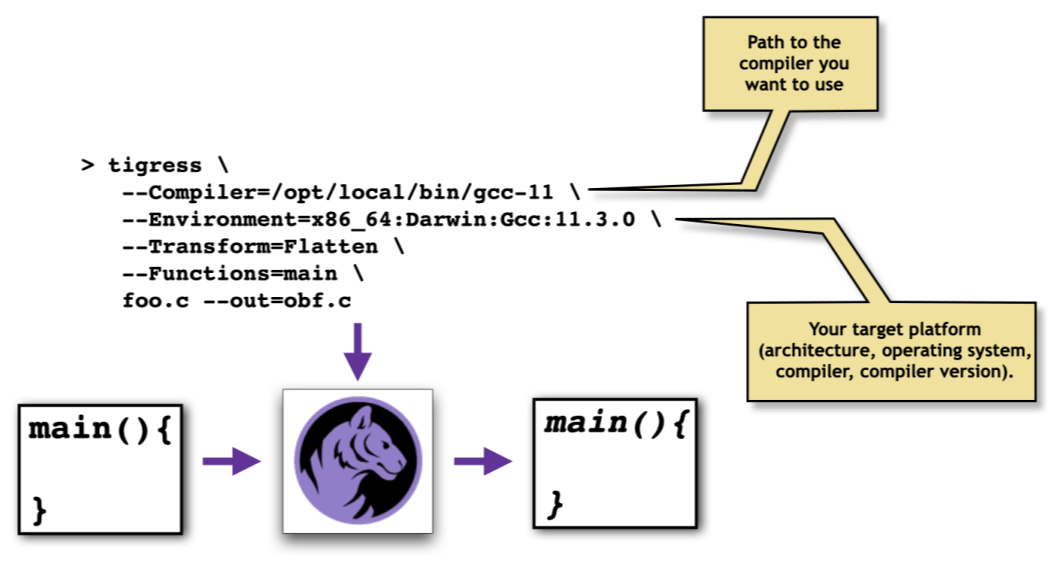
The reason for these machinations is that, even though Tigress is a source-2-source translator, it relies on knowing the sizes and alignments of all types. This information is encoded in Machine Models.
If you don't provide --Compiler and --Environment options, Tigress
will assume that you're compiling for the machine you're currently on. You can ask Tigress
which target machine it is currently assuming, or which models it knows about:
> tigress --DumpMachineModel=current
{
	 "version_major"    : 11,
	 "version_minor"    : 3,
	 "version"          : "11.3.0",
	 "sizeof_short"               : 2,
	 "sizeof_int"                 : 4,
	 "sizeof_bool"                : 1,
	 "sizeof_long"                : 8,
	 "sizeof_longlong"            : 8,
	 "sizeof_ptr"                 : 8,
> tigress --DumpMachineModel=all
   ...
If your target is not one of the ones provided, you can easily create your own machdep
file and give it to Tigress. Simply compile and run the machdep-ml.c
file (also found in the Tigress distribution directory) on your target machine:
> tigress --MakeMachineModelGenerator        # Generates machdep-ml.c
> gcc -D_GNUCC -o machdep-ml.exe machdep-ml.c
> machdep-ml.exe --json > mymodel.json
> tigress --LoadMachineModel=mymodel.json ...